Type first, talk never
Chat with strangers without voice on all ten services covered here, in different ways: eight have a separate mode for typing, Chatib is all text, and Hay offers text next to video. Check translation before you talk to strangers in another language.
Strictly 18+ · After an 18+ tick our video chat opens; then the browser wants your camera and mic.
Pick the typing door first
Choose the typing entrance before any camera prompt shows up. RandomChatPro puts text and video behind two separate buttons. Camgo's Text button opens what it calls a lite mode, minus live video and audio. On Yapping, typing works without a camera or a microphone.
Before you type
Some people go voiceless for privacy. Others can't hear the stranger, or can't speak comfortably, and would rather sign or type. Either way, the ways to chat with strangers without voice trip people up in the same few places: the wrong entrance, translation that was never there, and oversharing while explaining.
Which services let you type, talk or show your face?
The first mistake when you chat with strangers without voice is assuming every service offers all three. They don't, and the differences decide where a voice-free chat works. As recorded:
- Text, voice and video as separate modes. OpenTalk switches between all three, and so does Yapping. StrangerLine adds voice calls and voice notes to its camera-free text.
- Text first, calls on the side. TalkWithStranger centres on text rooms and one-to-one typing, with calls and video as extras. Y99 works the same way.
- Chat and video as two buttons. Camgo keeps them apart, as does RandomChatPro. Knotchat labels its pair Start Text Chat and Start Video Chat.
- Text only. Chatib has no video side at all.
- Text beside video. Hay's page names translation alongside its random video chat and typed chat, but it won't match anyone without a camera and a sign-in.
Our stranger chat, by contrast, is built for video. Its rules want camera and microphone on, and going camera-free is a Premium extra. It has a Messages tab, yet that works as a messenger, not as a typing-only way to meet random strangers.
For how rooms differ from one-to-one typing, see the walkthrough on text chats with strangers.
Mistake: treating a translated menu as a translator
A menu in your language doesn't translate the stranger. Interface languages vary a lot: OpenTalk's comes in nine, while TalkWithStranger, Chatib, Hay and Y99 are English only.
Message translation is rarer. Hay mentions real-time translation. Our own video chat says it translates messages in both directions. For the other eight services, translation is unknown: their records don't mention it.
If you and your match don't speak the same language, settle on one in the first line. Short sentences survive clumsy translation far better than long ones.
How much should you explain about going voiceless?
Less than you'd think. Say how you'll talk, not why. One line covers it: that you'll type, sign or lip-read, and what helps, such as short messages or facing the camera.
Skip the backstory. Don't name the school you went to, the club you sign at, your workplace or your surname. A deaf club or a small school narrows you down to a handful of people fast. The same goes for anything readable behind you.
If a match asks why you won't talk, the answer is yours to give or keep. Changing the subject is allowed.
Mistake: a microphone left on for no reason
Typing in a video mode with the microphone live still sends your room to the stranger. Doorbells, flatmates, the telly: all of it travels.
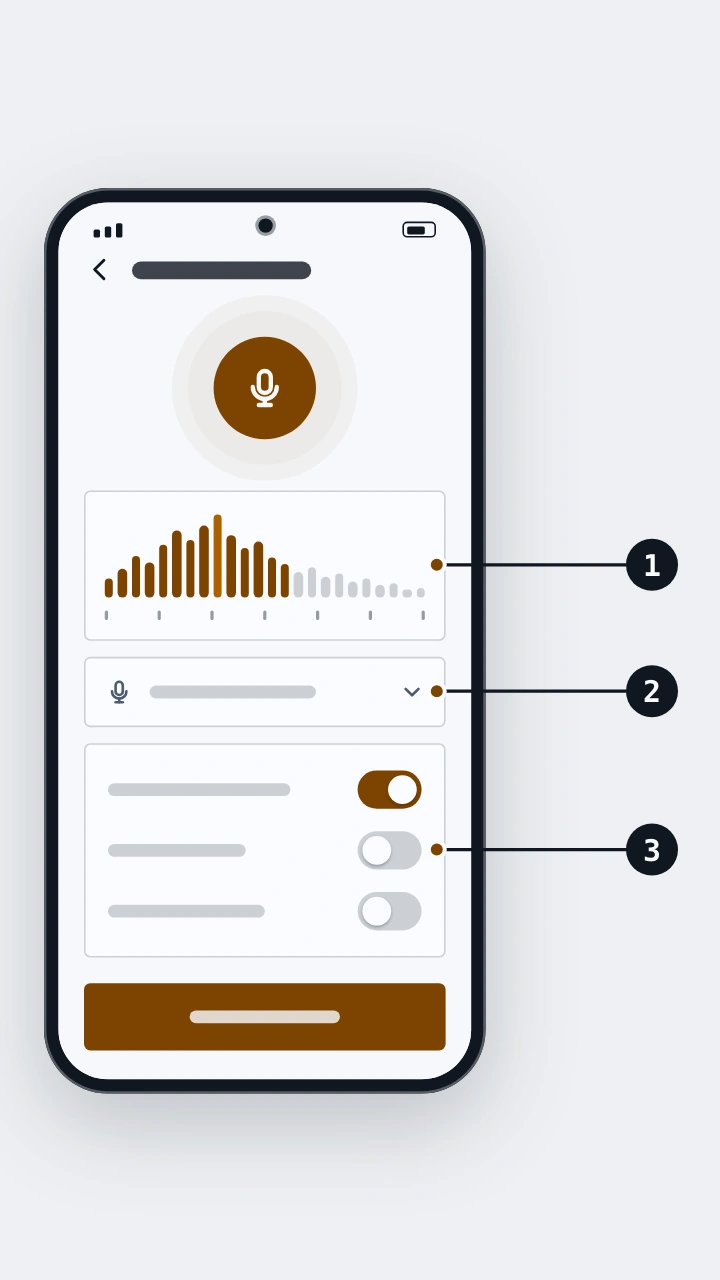
Browsers let you block the microphone for a site while keeping the camera allowed. In Chrome, Site settings has separate Camera and Microphone lists (Chrome help). One catch: the Next Seat chat, by its own rules, needs both switched on.
What if the stranger pushes for a call?
Hold your ground. A match who keeps asking you to switch to voice calls, or to move to another app, is ignoring what you already said. Sometimes that's impatience. Sometimes it's the opening of a scam.
Stay in the typed chat, or leave it. Tricks that start with a change of app follow patterns worth knowing. The chat modes section lines up typing, voice and video side by side, and the front page covers where to talk to strangers online in general.
Before a voice-free chat
- Pick a service with a separate typing mode or text-only rooms
- Choose the typing entrance before any camera prompt appears
- Check translation claims instead of assuming a translated menu
- Block the microphone for the site if you won't speak
- Tell your match how you'll communicate, not why
- Keep school, club, workplace and surname out of the chat
- Leave when someone pushes you onto a call or another app
Fancy a face-to-face chat after all? The button opens a random video chat, one on one, no sign-up to start.